iOS Beta — Free

Stop gambling on exits.

Pitstop planner for iPhone — find the best highway exit for gas, charging, food, and a bathroom in one stop.

Kibi scores 79,000+ US highway exits and finds the single best stop for gas, food, and a clean bathroom — timed to your car's fuel range. Free on iOS.

79k+ Highway exits mapped
49k+ Vehicles in our database
Kibi app home screen
01
Set Your Vehicle

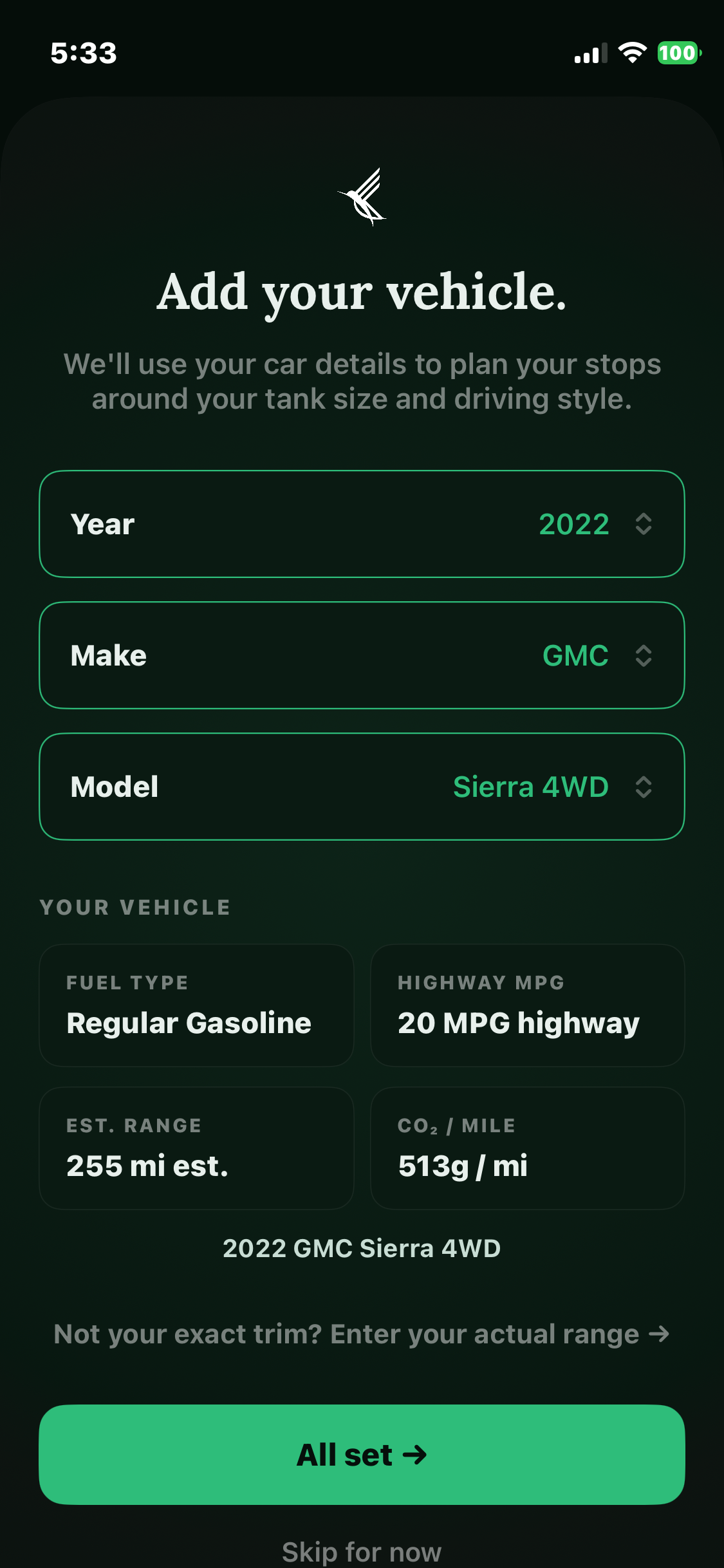
Pick your make, model, and year from 49k+ EPA-verified vehicles — gas, diesel, hybrid, or EV. Kibi fills in your fuel type and range automatically.

02
Enter Your Destination

Tell Kibi where you're headed. It calculates exactly where you need to stop based on your range, fuel level, and preferences.

03
Get the Best Exit

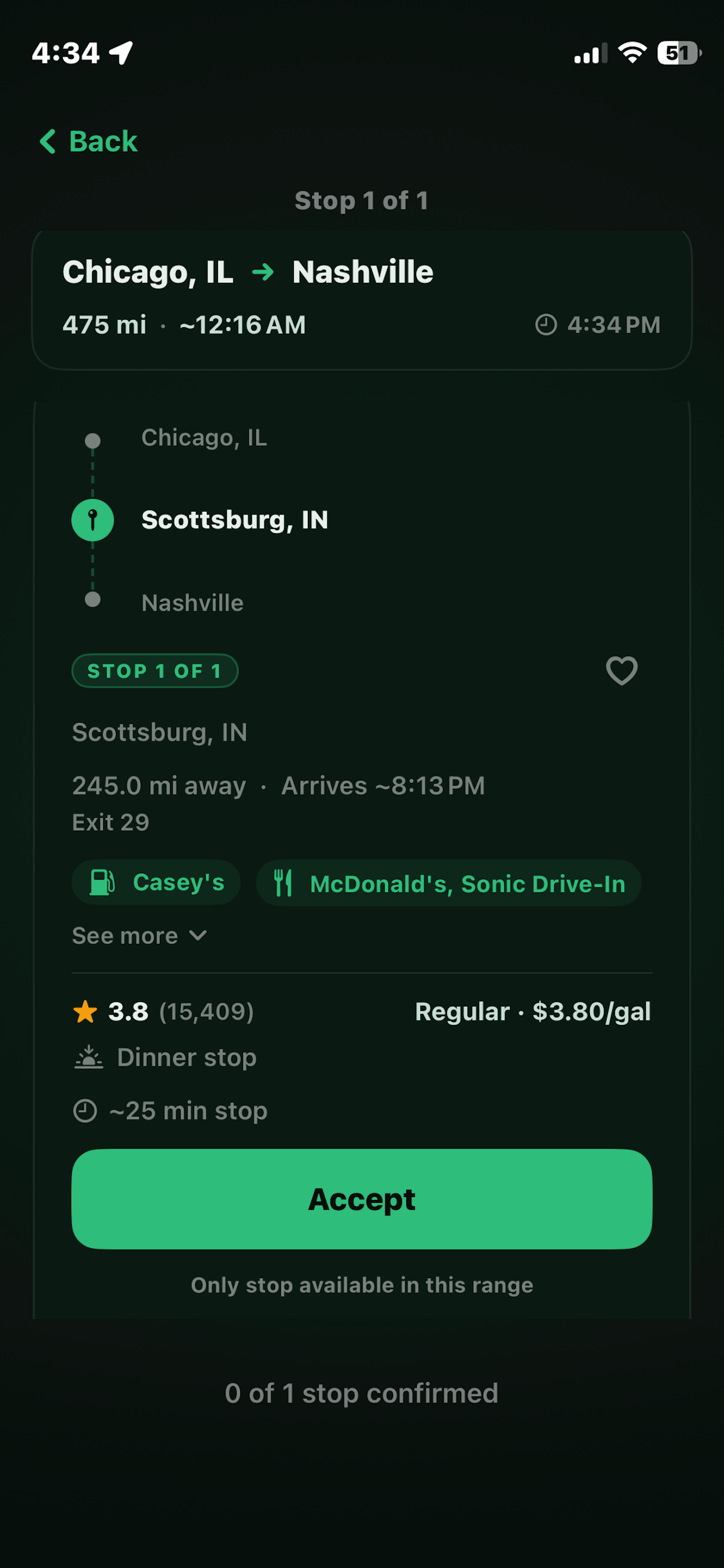
Kibi scores every exit on your route and picks the one stop that has gas (or a charger), food, and a bathroom — all at one exit, every time.

04
Navigate & Track

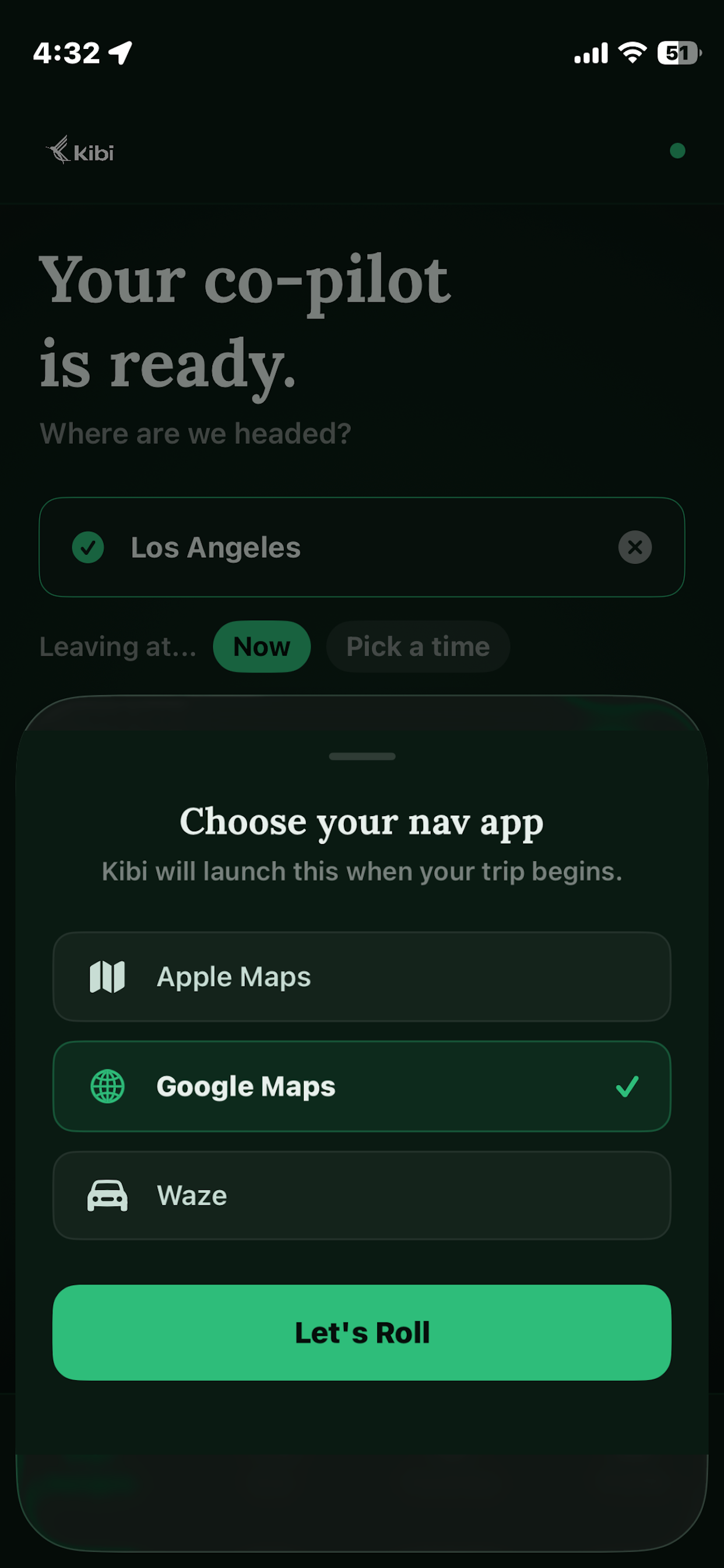
Kibi launches Apple Maps, Google Maps, or Waze with all stops pre-loaded. It tracks your CO₂ and trip stats the whole way there.

What People Are Saying

Real feedback from real road trippers.

Pitstop Planning

The perfect stop, every time.

Kibi scores every exit on your route and picks the one that has gas or a charger, food, and a great rating, timed perfectly around your tank or battery range. No more pulling off at a bad exit and hoping for the best.

⛽  Gas 🔋  EV Charging 🍔  Food ⭐  Rated Stops
See how Kibi plans it →
Kibi pitstop selector screen

Vehicle-Aware Range

Built around your tank, not a guess.

Kibi reads your exact MPG and tank size — or your EV's highway range — straight from our EPA database, applies a 15% safety buffer, and plans every stop before you ever worry about running low.

49,806 Vehicles
15% Safety Buffer Built In
Compare to other apps →
Kibi vehicle setup screen

Deep-Link Navigation

Launches straight into your nav app with all waypoints. One tap. You're rolling.

Pick your preferred app once: Kibi remembers it and deep-links directly into navigation with every stop pre-loaded. No copying addresses. No manual waypoints. Just go.

Read the FAQ →
Kibi deep-link navigation screen

Made for You

Stops that match how you drive.

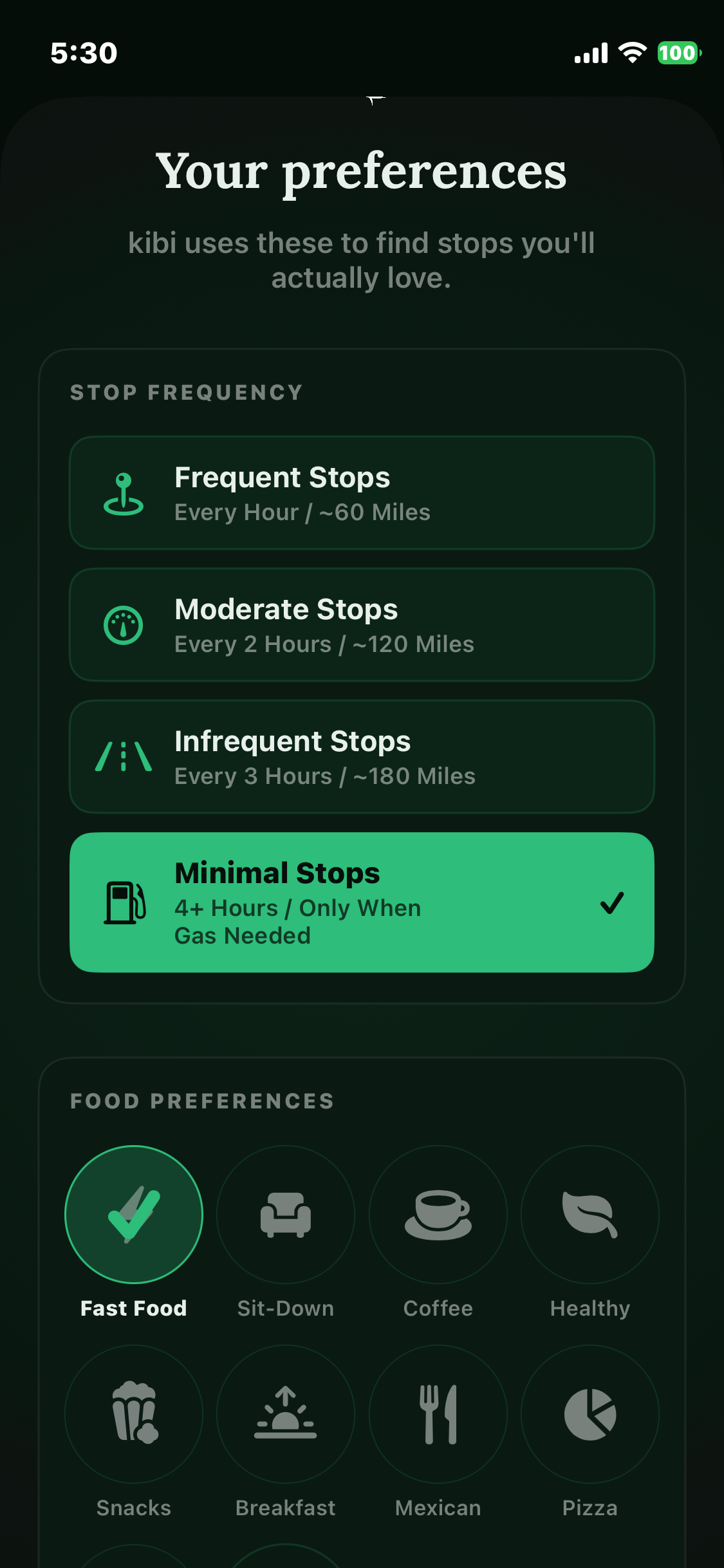
Tell Kibi how often you like to stop and what kind of food you want: fast food, sit-down, coffee, or healthy. Minimal stops or frequent breaks. Kibi remembers and applies your preferences automatically to every trip.

⏱  Stop Frequency 🍔  Food Preference ⛽  Gas or EV Charging ⭐  Rating Floor
See popular routes →
Kibi preferences screen

Live Trip Mode

Your co-pilot, the whole way there.

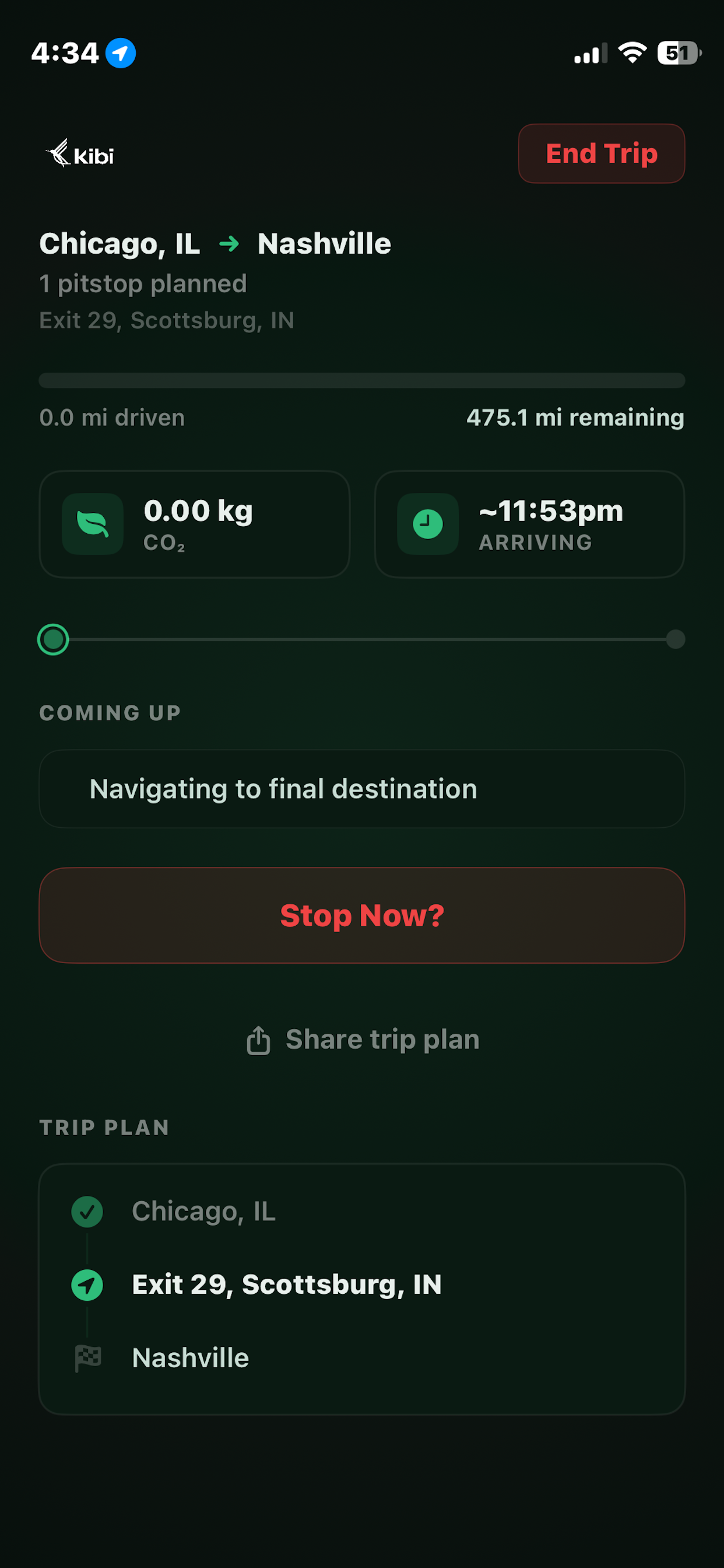
Once you're rolling, Kibi tracks your progress in real time: miles driven, CO₂ generated, estimated arrival, and exactly what's coming up next on your route. Everything you need. Nothing you don't.

475 mi Trip Distance Tracked
0.0 kg CO₂ Monitored Live
~11:53pm Arrival Estimated
Get Beta Access →
Kibi active trip screen
"

Kibi didn't start in a boardroom. It started on I-65, somewhere between Atlanta and Chicago, with a full bladder, an empty stomach, and the stubborn belief that there had to be a better way.

Share Kibi

Know someone who hates bad exits?

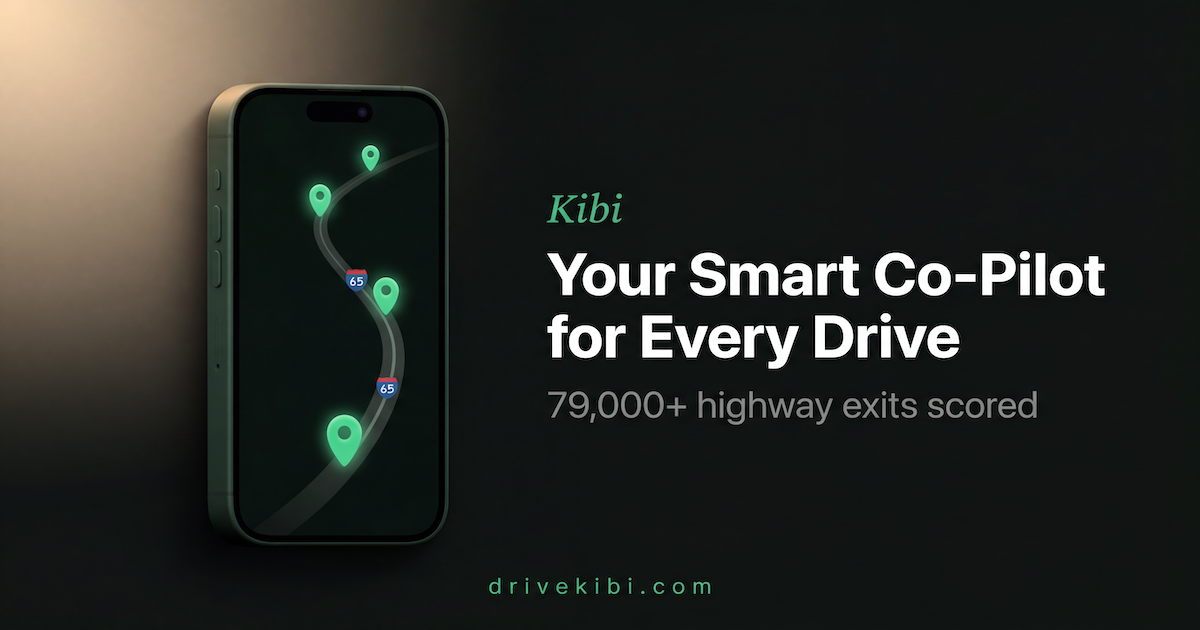
Send them Kibi. Here's what it looks like when you share the link.

Kibi link preview — Your Smart Co-Pilot for Every Drive

Link copied!

First 500 Beta spots 90 / 500

Now in iOS Beta

Get beta access today

Drop your email and we'll send you the TestFlight link. No spam, no marketing blasts — just the link, and one email when v1 ships to the App Store.

Check your email

We just sent you the TestFlight link. No spam, just one email when v1 ships.

Free iOS first No spam, ever